Figma Make
Make Kit
Our Figma Make Kit includes MDS foundations, components, styles, and guidelines to help Figma Make understand our design language. This allows you to build on-brand designs and prototypes faster and with greater consistency across products.
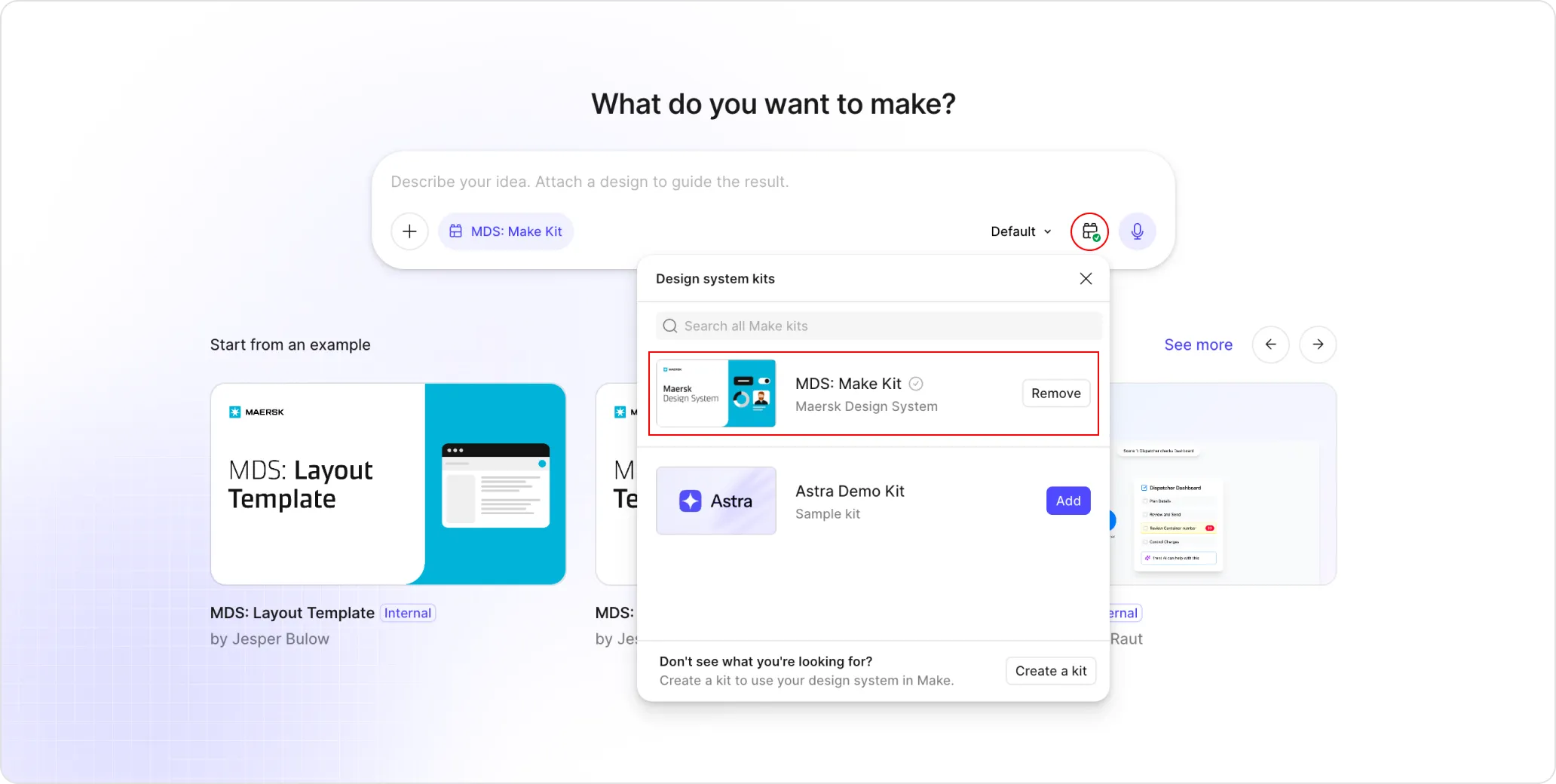
To use our Make Kit, create a new Make file, click on the Kit button and from the dropdown select the MDS: Make Kit, and you are ready to design!
Make Templates
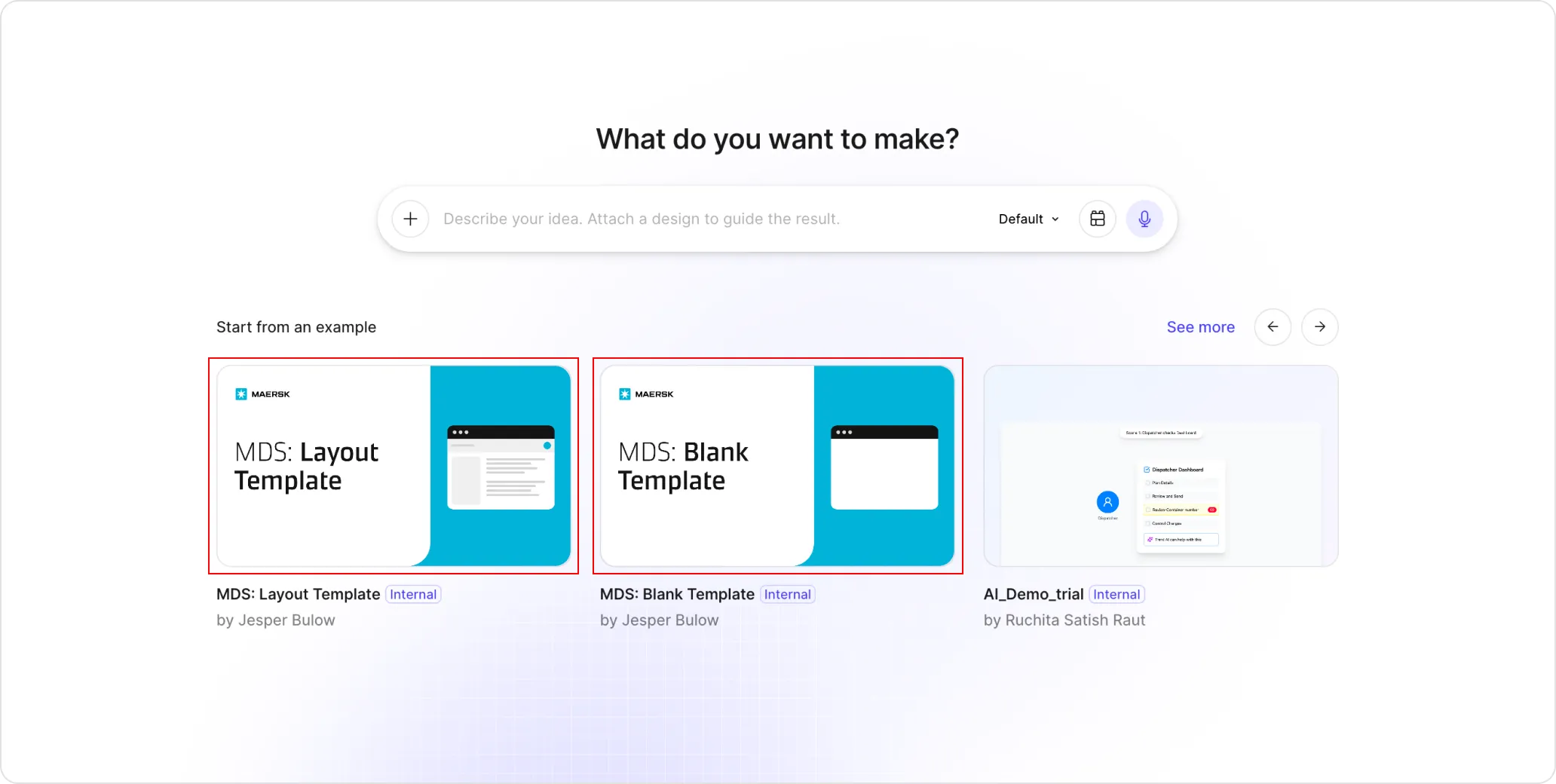
Our Figma Make Templates provide great starting points. Each template comes with all required MDS files properly installed and preconfigured, our Blank Template comes just with the required MDS files installed, while the Layout Template comes with our Topbar and Sidebar components.
To start with a Make Template, first create a new Make file and choose one of our Templates or find them in the Resources section in the main navigation of Figma.