February maybe a short month, but we have plenty of updates to share!
Designer support for Layout and Tree Navigation
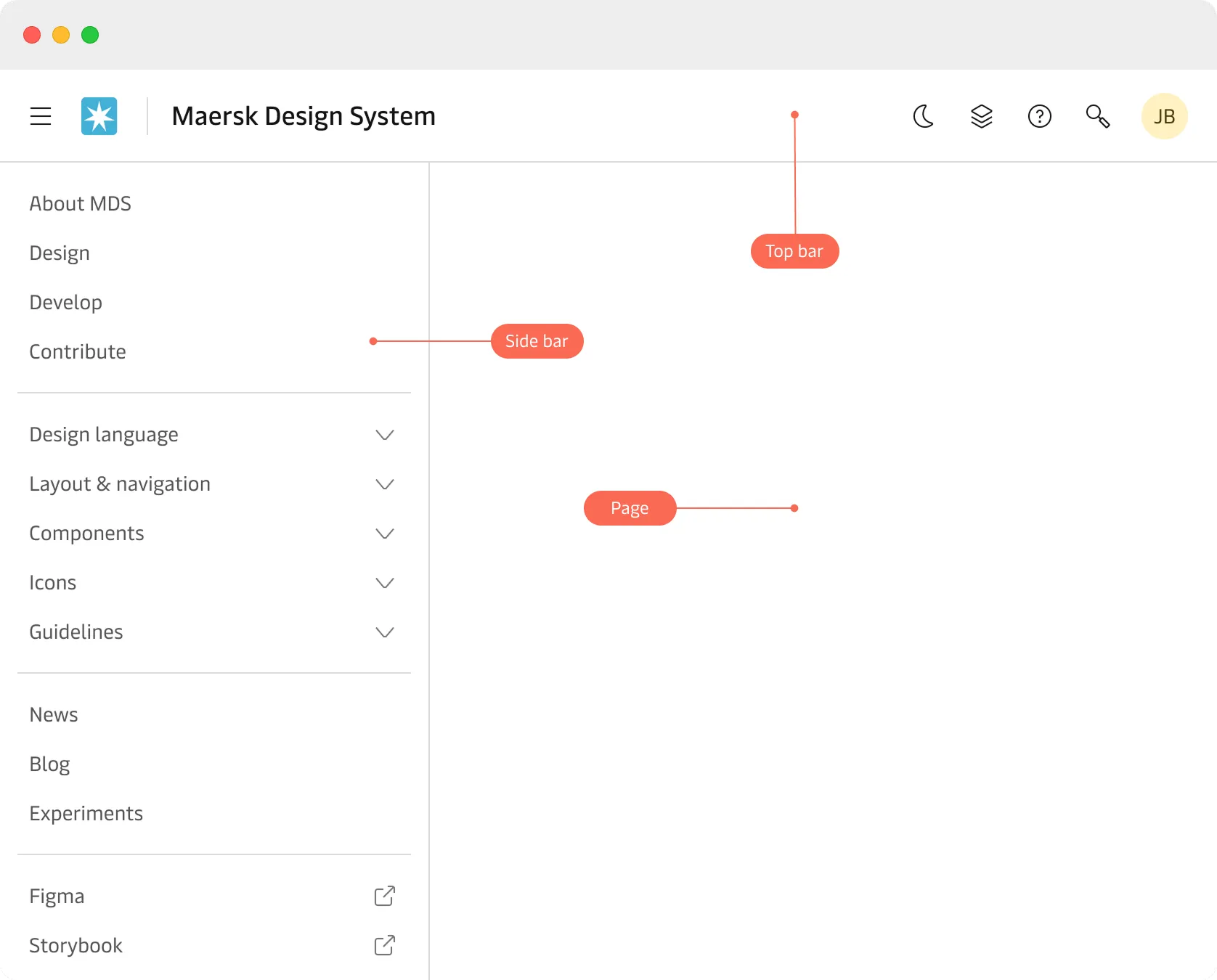
We have already shipped the Layout and Tree Navigation experiments for developers. From 28th February, this has now been extended to support designers in Figma.
Please see the Layout and navigation section on the MDS website for more information. We look forward to hearing your feedback on this!
Rowspan and colspan
We have now added rowspan and colspan support to the Table component and the underlying table CSS foundation styles.
This is another experimental feature so please give us your feedback and what your experience has been like using these!
| Electronic cargo release / Telex release | Transfer Bill of Lading | |
|---|---|---|
| Service details | Allows surrender of the Bill of Lading to the carrier. | Allows transfer of the title ownership to another party. |
| Key difference | Enables the consignee to start the cargo release process without the need to deal with a Bill of Lading. | When transferred to a consignee then the B/L can be printed online or collected from the Maersk local office to start the cargo release process. |
| Fulfilment of request | Surrender complete within 30 seconds of placing the request in most cases. | Transfer complete within 30 seconds of placing the request in most cases. |
| Invoice availability | Invoice ready within 20 mins in most cases and can take up to max 12 hours. | |
| Leg | Event type | Location | Event modified on | Event details | Modified by |
|---|---|---|---|---|---|
| 1 | Vessel arrival | Shanghai, China | 17 Jan 2025 16:45 CN | Added Location to CNSGN | Maersk user |
| Vessel departure | NINGBO, China | 18 Jan 2025 10:30 CN | Added Location to CNNGB | Maersk user | |
| 2 | Vessel arrival | Rotterdam, Netherlands | 18 Jan 2025 14:30 CN | Added Location to NLROT | Maersk user |
| Vessel departure | Shanghai, China | 18 Jan 2025 18:30 CN | Added Location to CNSGN | Maersk user |
Clickable trailing icon support for the Input component
It is now possible with the Input component to make an icon placed to the right clickable.
The most common use case is for password inputs where the user can show and hide the typed password and check whether the password is typed correctly.
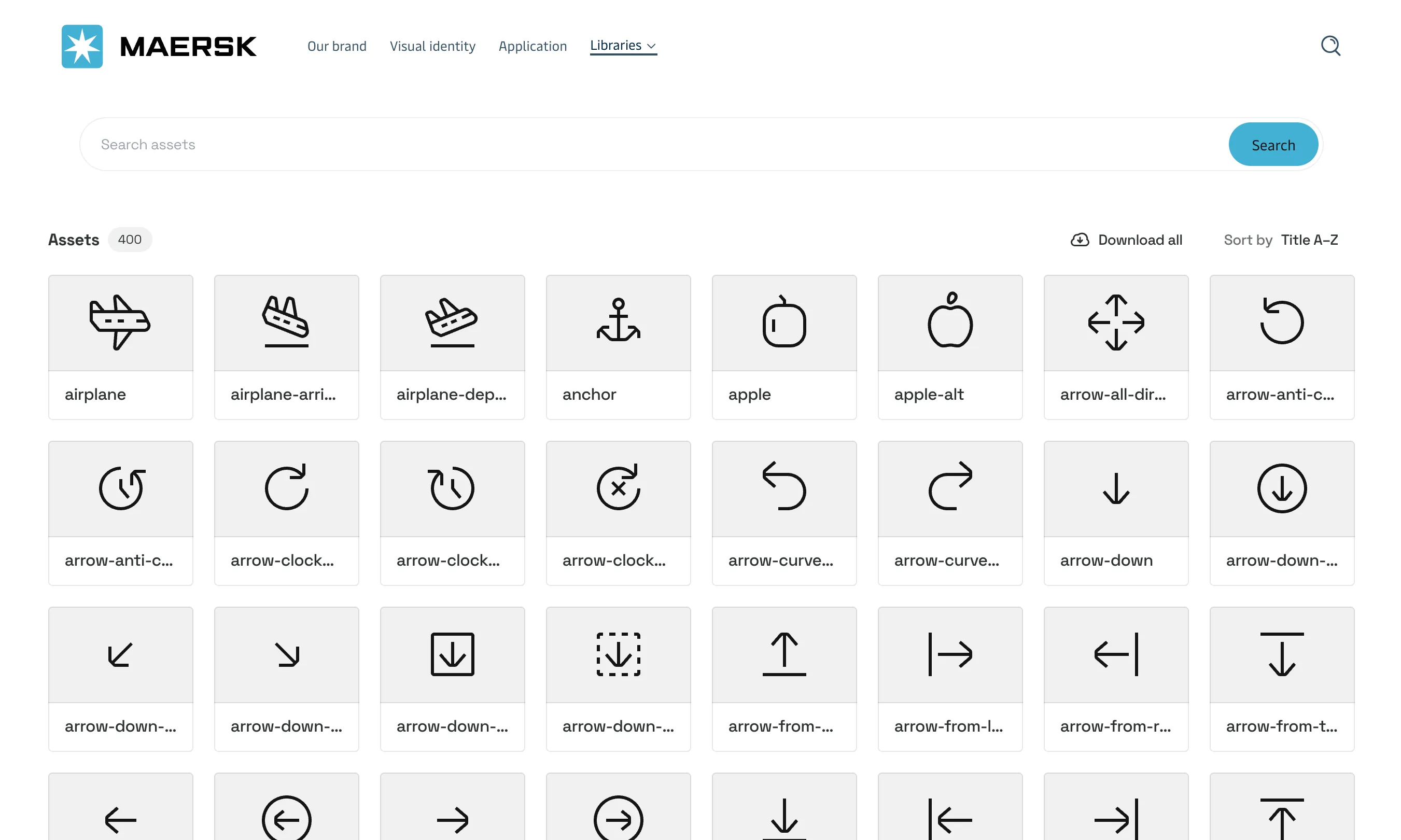
Icons aligned in Brand Central
Working with our friends in Corporate Branding, we have now updated the icons in Brand Central so that they align with the Maersk Design System icons.
New icons added to the Maersk Design System will be uploaded to Brand Central from now on 😍.