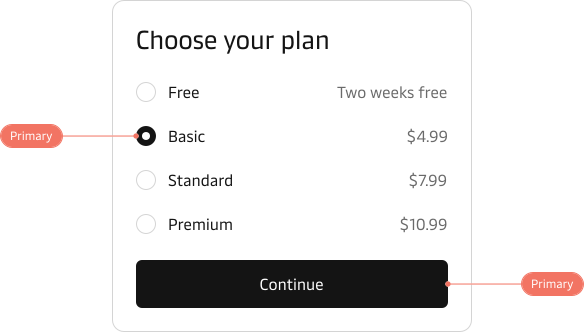
Primary
This is our main UI colour and will be the one that is reflected in the primary buttons, checkboxes, radio buttons, switches etc. meaning it will be the most prominent colour in many components and in your UI together with the neutral tones.
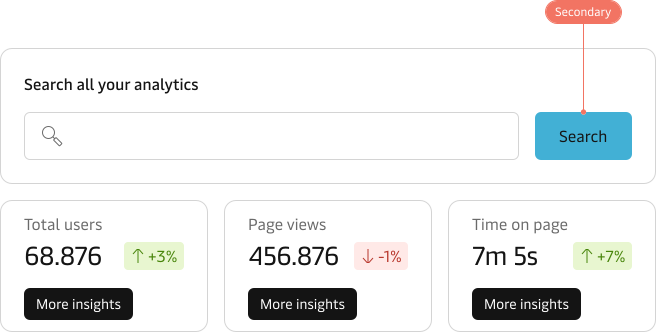
Secondary
This is also referred to as the “brand” colour and will be reflected in the secondary button. This will be used to highlight the brand, while it’s labelled as secondary, it can serve as the primary action. However, it’s important not to overuse it. Use this colour to draw attention, use it for that “big primary” search button.
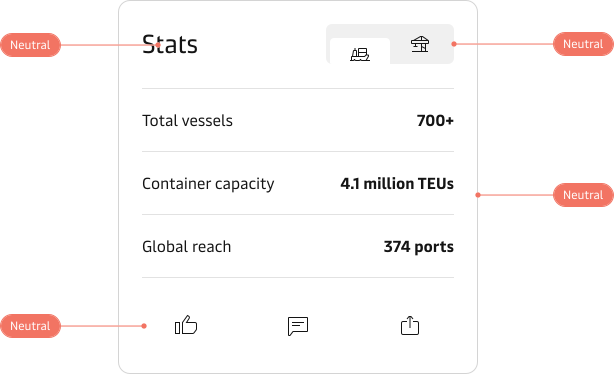
Neutral
Neutral colours are present in nearly all components and serve as the foundation for any user interface. They are used in different aspects of a user interface like backgrounds, borders, and text colours. This palette contains both white and black, as well as all shades in between.
Error
This refers to a shade of red, its main purpose is to communicate and highlight something “negative.” For example, it indicates that you are performing a dangerous action, such as deleting your profile. However, it can also be used in other situations, such as displaying that a profile is busy, has unread notifications, stock values have decreased, you have an unpaid bill or you typed something wrong in an input field.

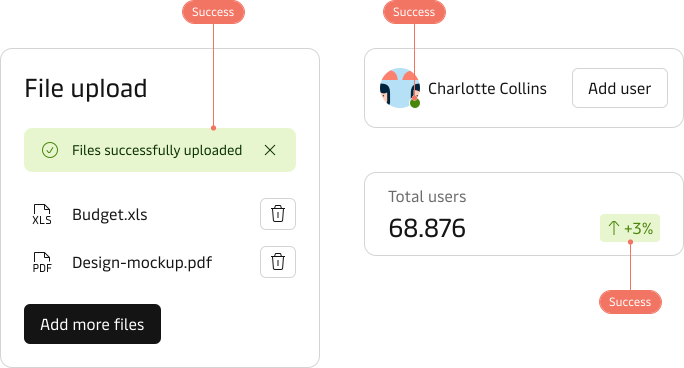
Success
This refers to a shade of green, its main purpose is to communicate and highlight something “positive.” For example, that your file was successfully uploaded or that your profile was updated. But it can also be used for ex. displaying an online/available status or that numbers have increased.
Warning
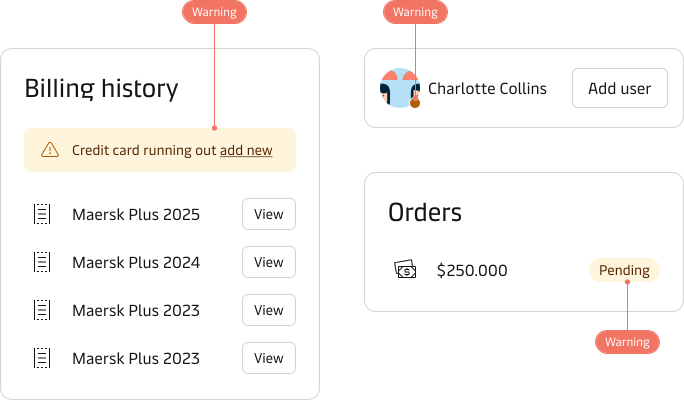
This refers to a shade of yellow, its main purpose is to communicate and highlight a potential problem. For example, it may indicate that you have lost connection to the server or that your payment details need to be updated by a certain date. It can also be used for e.g. to display an “away” profile or a pending status.
Info
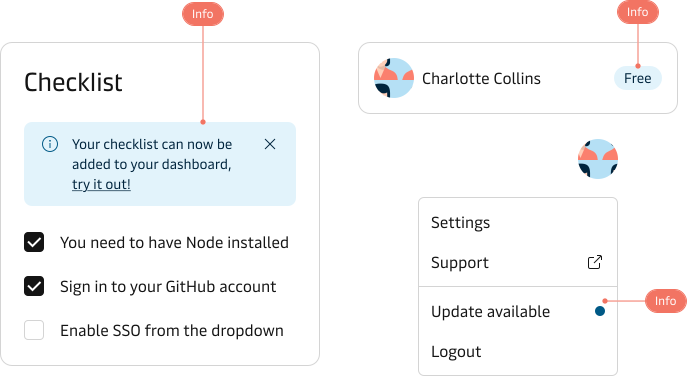
This refers to a shade of blue, and its main purpose is to help and inform the user. For example, it can highlight a related feature that may be beneficial for the user to know about or to indicate that a new version is available. It can also be used for e.g. to signal that the user is currently on a “free” plan.
Colour values
You can find the precise colour values for each theme in the Themes and tokens section: