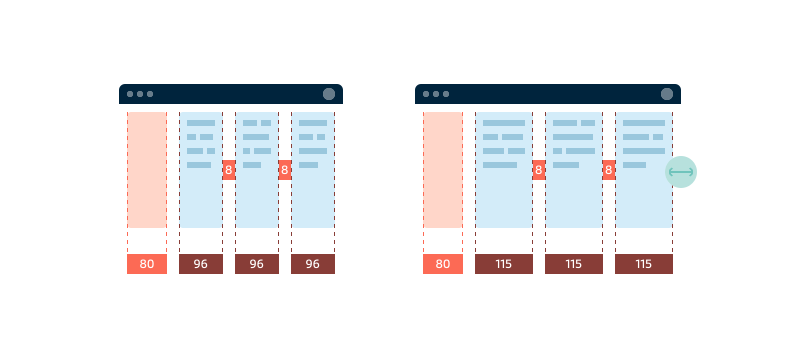
Use 4-pixel spacing
The base unit for spacing is 4 pixels, subsequent units are multiples of 4 (such as 8, 12, 16, etc.). These units should be used consistently for all paddings, margins, gutters, typography, and layouts to ensure a cohesive appearance and user experience across all Maersk digital products.
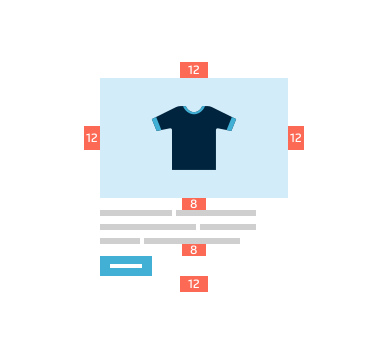
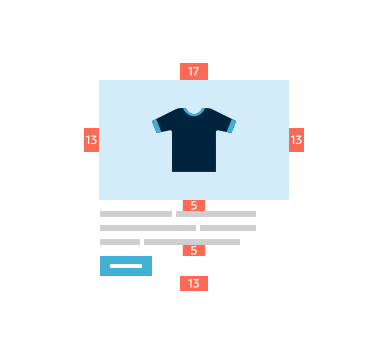
Exceptions to 4-pixel spacing
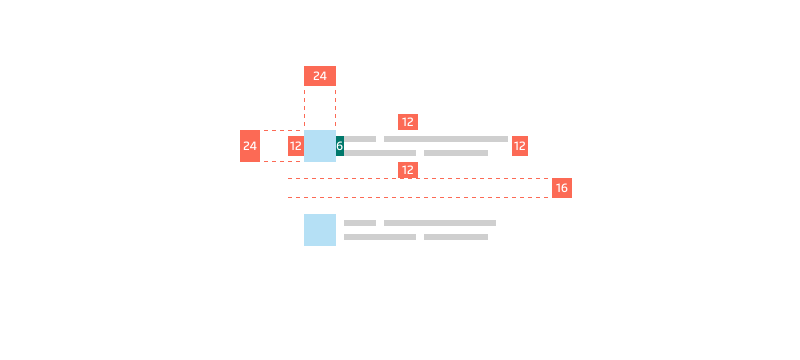
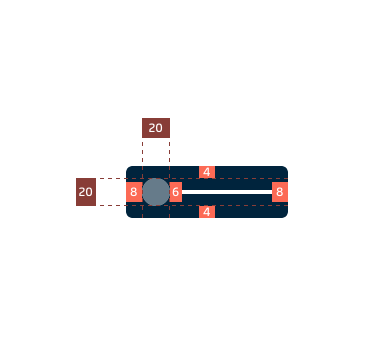
When creating components, finer control is needed for spacing elements. Three acceptable exceptions here are 2, 6, and 10 pixels.
Components
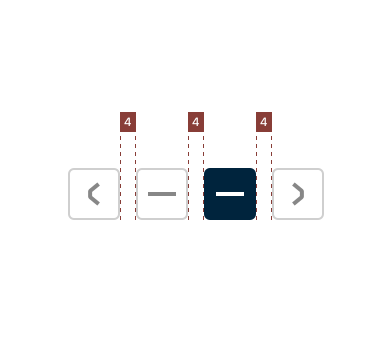
Relate the component elements and still keep them distinct by using space units dervided from the 4-pixel base spacing. These space units will make aligning and using non-core components with core ones easier.
Patterns
A recognisable pattern is created when consistent spacing is used to establish a visual rhythm and relationship between the pattern elements.
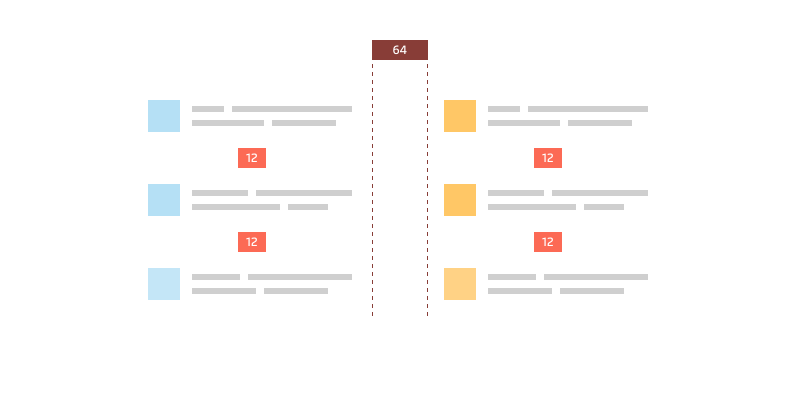
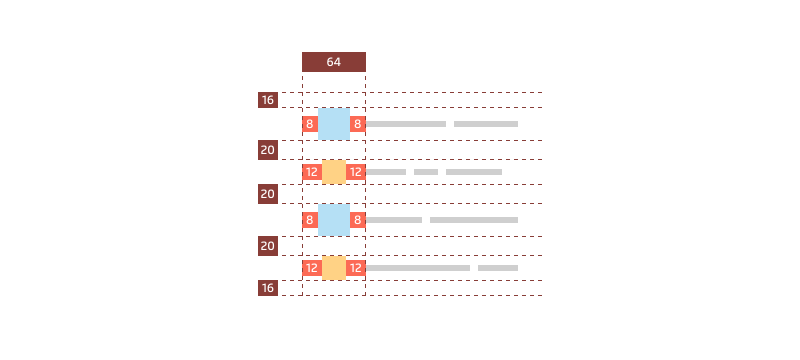
Pattern spacing needs to be coherent which means not all space units need to be the same. Several spacing units can help establish better visual balance when dealing with differently-sized UI elements in the pattern.
Layouts
Visual hierarchy in layouts requires well spaced regions and UI elements. Spacing units can control the information density of any application layout. Use them to provide the right level for the context and users’ expectation.
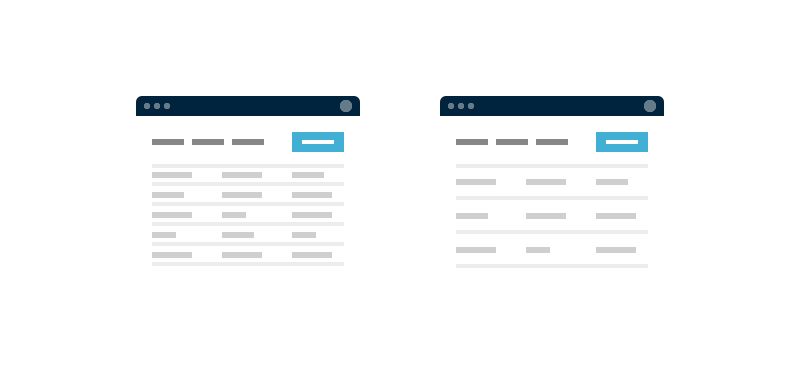
Information density
Space is the element that controls the information density of any interface. Adjusting the space between blocks on information creates a visual rhythm and hierarchy.
High information density can be disorienting and overwhelming if spacing does not allow the eyes to rest and let people process what they see. People may notice the grouped elements but not process each individual item.
We recommend reading the Fit guidelines to help you make an informed decision what spacing units will be most suitable for your layout composition.
Responsive elements
Enforcing dimensions to be divisible by 4 pixels may not always be possible or desirable, for example, UI elements with dimensions that are responsive to content or viewports. What is important is ensuring 4-pixel-based spacing between sibling elements to maintain consistency and visual rhythm.