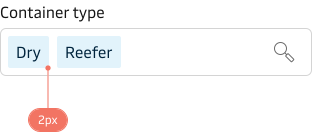
Our visual design language is defined and built around the Maersk symbol, more specifically it is the language of the round corners of the container. Making the curvature of borders an important part of our design language, contributing to the overall brand recognition and ensuring a consistent look and feel across all our components.
Nested components
For components that contain other components, it is important to ensure that the outer component has a larger corner radius than the nested component. This approach creates a visually appealing and balanced spacing between the two elements.
All components come with a default border radius applied and are designed to work harmoniously in most situations. However, there may be special cases where you need to manually adjust the border radius of a nested component. In the table below, you can view all the available values.
Values
| Name | Value |
|---|---|
| radius-xs | 2px |
| radius-sm | 4px |
| radius-md | 6px |
| radius-lg | 8px |
| radius-xl | 12px |
| radius-2xl | 16px |
| radius-full | 9999px |
2xl radius (16px)
Used for elements such as large images, dialogs, or modals.

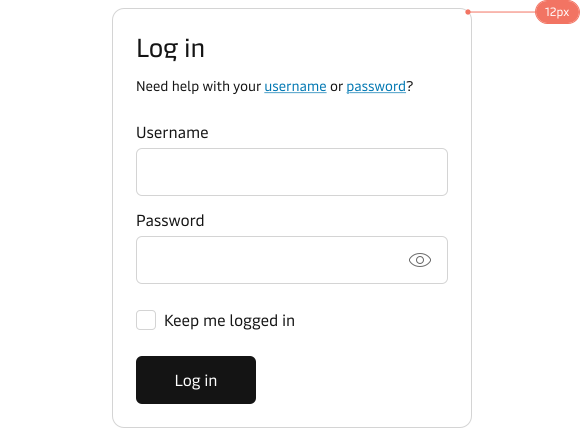
xl radius (12px)
Used for components such as cards, which frequently contain nested components.
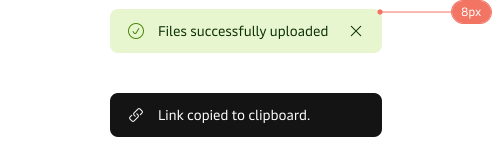
lg radius (8px)
Used for components such as notifications, toasts, popovers, and tables.
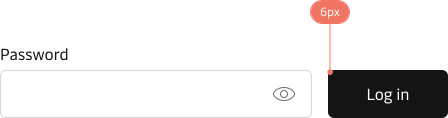
md radius (6px)
Elements such as buttons and input fields.
sm radius (4px)
Smaller components, such as checkboxes.

xs radius (2px)
Small components that are typically nested inside other components.