Typography shapes how written messages resonate with viewers. It’s more than arranging letters and how they look; it influences readability, layout and communication. It is the base of crafting a delightful reading journey.
Typefaces
The Maersk typeface encapsulates our company’s values and characteristics. It plays an integral role in brand recognition and tone of voice. A visual tone of voice can saturate a brand on multiple platforms and ensure a strong brand identity—even when images and logos are out of sight.
Maersk Headline
Maersk Headline font creates a clear hierarchy on application pages through titles and headlines. Its purpose is to communicate a short message that attracts the user’s attention.
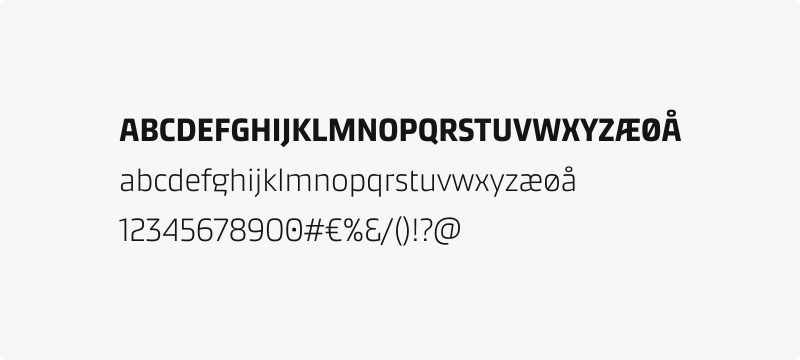
Maersk Text
Maersk Text font is applicable for labels, captions, data table content, and long blocks of text, such as articles.
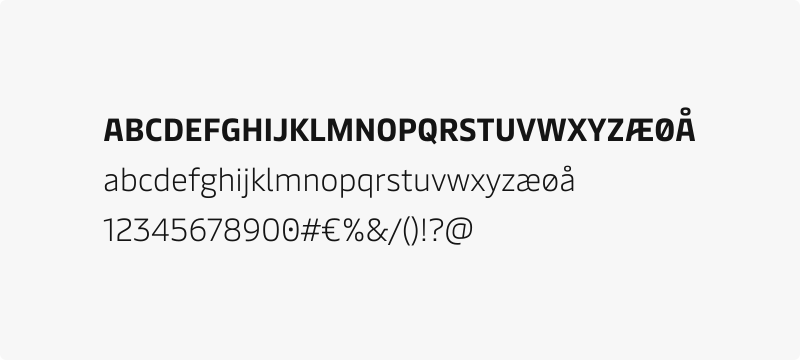
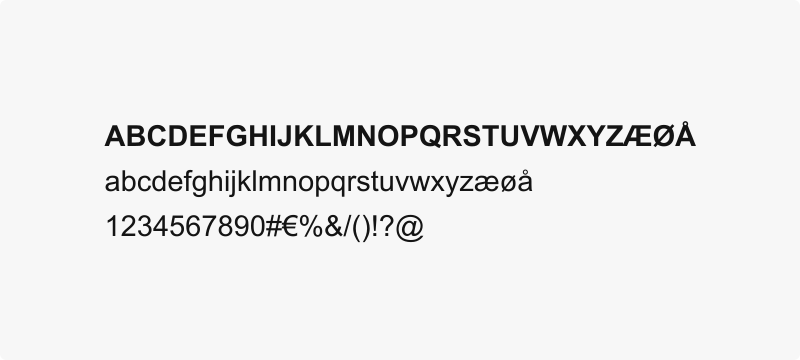
Arial (Fallback)
The fallback font is Arial for the cases when the default Maersk font is unavailable. Arial is also the default choice for email communication, as email clients might not be able to load or render the Maersk fonts.
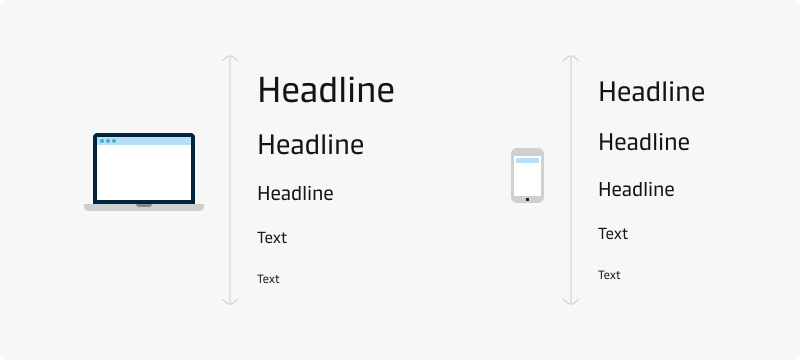
Type scale
Maersk Design System offers two groups of type scales: headline and text. Both groups are available for desktop and mobile use. Each group has multiple font styles to accommodate a range of different purposes. By default, all headline styles use Maersk headline, and all text styles use Maersk text. View our typography tokens.
Best practices
- Use the colour tokens for text to provide accessible text
- Do not mix more than two colours in a headline or body text.
- Use only the predefined font styles and sizes with their line heights.
- Use headings according to their importance and information hierarchy, not for their visual appearance.
- Use sentence case capitalisation (except for product names). Do not use ALL CAPS!
- Do not mix weights and font sizes in the same headline.
- Use monospaced tabular numbers only for specific use cases of data comparison.