Dialog
Best practice
- Dialogs are inherently disruptive, so use them sparingly.
- Use dialogs to display messages of high-urgency.
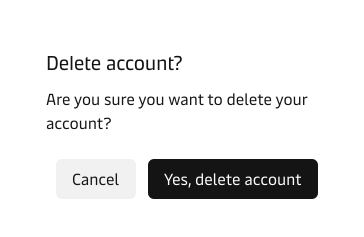
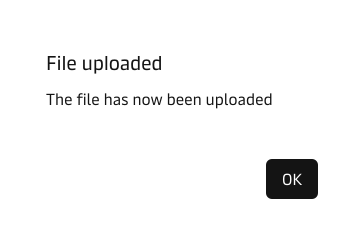
- Use dialogs in cases that require a decision or acknowledgement from the user.
- Keep the dialog messages short and concise.
- Avoid ambigious and vague copy to minimise mistakes.
If you need to display low-urgency feedback that is mainly task-triggered, then use the Toast component. For mid to high-urgency feedback and for feedback that needs to be persistant, use the Notification component.
See our System Feedback Guidelines for more information on system feedback in general.
Placement
Dialogs are placed in the centre of the viewport and on top of everything else in the UI, this is done to ensure the user’s full attention. While the dialog is active, a backdrop (scrim) is rendered underneath and the rest of the UI is inaccessible until the user clicks on one of the actions in the dialog or dismisses it by pressing ESC.
To see the dialog with the backdrop, click on the “Click to see dialog” button in the demo section in the top of the page.
Usage
Dialogs should be used in cases with high-urgency and/or where the user is required to take action to proceed, e.g. confirmation or acknowledgement. Be mindful of the dialog’s disruptive nature and ensure they are needed in your specific use case.