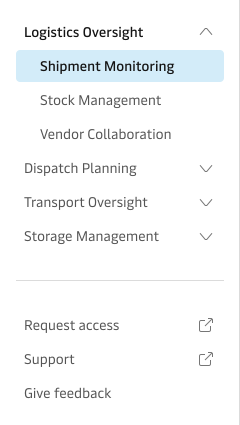
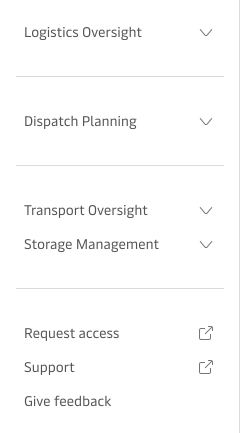
Tree Navigation
Best practices
- Always use clear and concise labels for navigation items to reduce ambiguity.
- Group related navigation items into meaningful sections, when it makes sense.
- Place frequently accessed or critical navigation items towards the top of the tree structure.
- Clearly differentiate external links by including the appropriate icon.
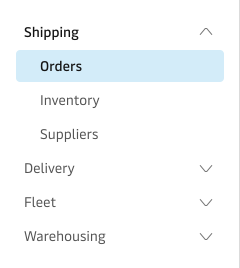
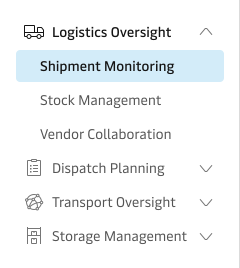
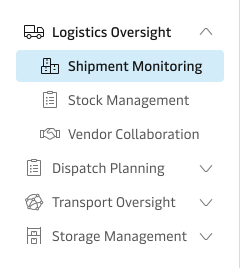
- Icons should only be used to assist quick recognition of navigation items and only on top level navigation items.
Usage
The Tree Navigation component provides users with a hierarchical navigation experience, allowing efficient exploration and movement through nested levels of content or application areas. It is typically placed in the side bar, optimising space and enhancing usability within logistics interfaces.
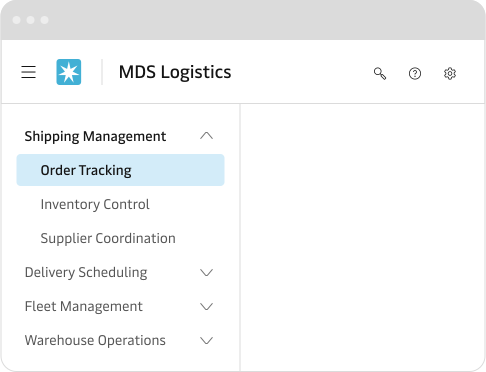
If you are designing internal applications please consider using the Internal application page layout.
Labels
Use clear, context-specific labels that directly reflect users’ tasks and expectations within the navigation context. Avoid generic terms such as “Home,” as these can lead to ambiguity—users may interpret them differently based on their individual expectations or previous experiences.
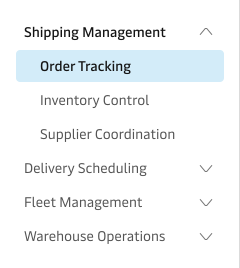
Icons
Use icons primarily for top-level navigation items to maintain clarity and reduce visual clutter in the navigation structure. Be cautious with icon selection, as icons can introduce ambiguity—different users may associate the same icon with varying meanings based on personal experiences. For instance, a truck icon could represent logistics, land transport, delivery services, or general transportation, depending on the user’s context.
Section separators
Use section separators strategically to visually group related navigation items, enhancing clarity and readability within the navigation structure. Avoid excessive use of separators, as too many can fragment the navigation and create visual noise.